
YouTube works extremely well for streaming, but an internet connection is not always available when a video is needed. A long flight, unreliable mobile data, a presentation in a location with poor connectivity, or a personal archive can all create a reason to save online video locally.
That is where free YouTube video downloaders come in. Most work through a browser: copy a video URL, paste it into the downloader, choose a format or quality, and save the resulting file. No large software package is required.
The bigger issue is choosing a service that actually works. Online downloader sites change frequently. Some use several domains, some display aggressive advertising, and others may stop supporting YouTube without warning.
Here in this article, we have listed the 10 best online YouTube downloaders, that allows users to download videos from the web browser.
Copyright warning: Downloading a video is not the same as having permission to use it. YouTube’s official help documentation says users generally cannot download other people’s videos as ordinary files. Downloads should therefore be limited to content that is owned by the downloader, licensed for downloading, or otherwise permitted under applicable law. YouTube also provides its own offline viewing options through YouTube Premium.
Best YouTube Video Downloaders
1. SaveFrom.net
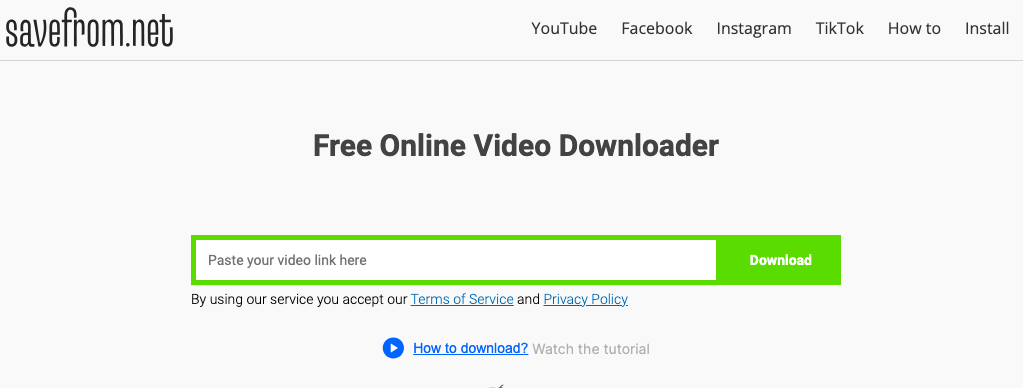
SaveFrom.net is one of the most recognisable names in the online video downloader category. Its service is designed around a simple URL-based process, with support extending beyond YouTube to other major video and social platforms. The service currently advertises several video resolutions and formats, depending on the source video.
The basic workflow is straightforward. Copy the YouTube video address, paste it into the downloader, wait for the available options to appear, and select the preferred file.
SaveFrom has also promoted URL shortcuts and its browser helper, giving regular users more than one way to reach the downloading interface.
2. Y2Mate
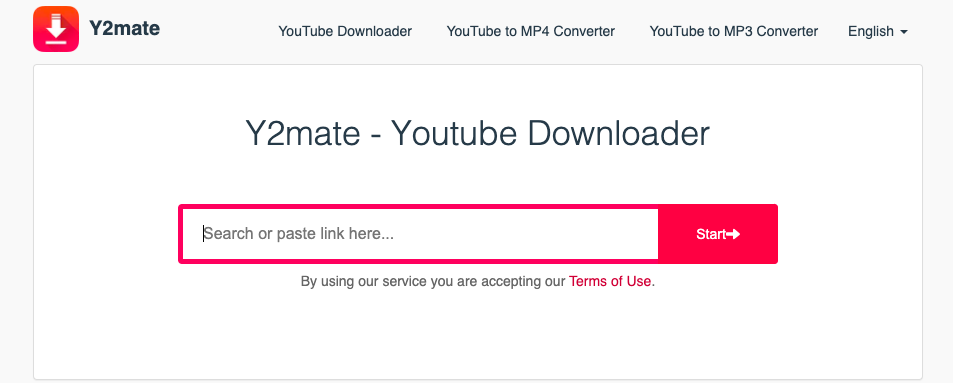
Y2Mate and Y2Meta are names frequently associated with online YouTube downloading and conversion. Y2Meta describes itself as a free service for downloading YouTube videos without subscription charges.
The appeal is obvious: there is no desktop installation and the process revolves around pasting a video URL. Depending on the current service and source video, users may find video and audio conversion options.
There is a catch with this brand. Y2Mate-related domains have changed over time, and similarly named sites do not necessarily represent the same operator. That makes checking the domain before entering any information particularly important.
3. SSYouTube
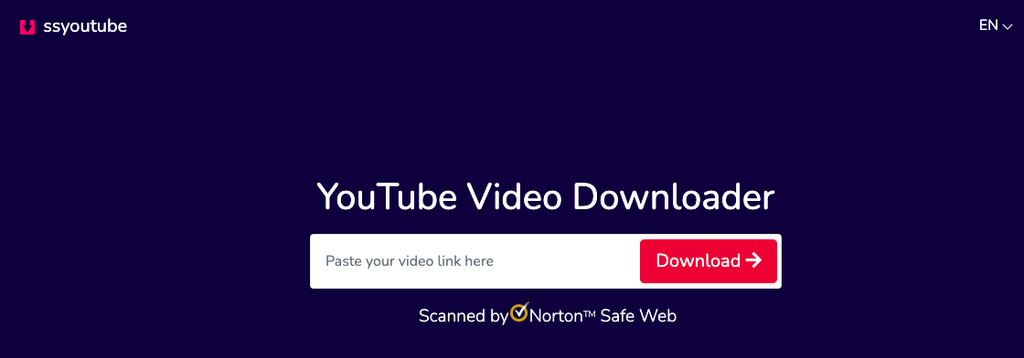
SSYouTube has long been associated with a particularly simple way of reaching an online downloader. The service has been promoted as a shortcut-based method in which an “ss” prefix is added to a YouTube address before opening the modified URL. SaveFrom’s current documentation also references this method.
The attraction is speed. There is no software installation and very little setup. Once the relevant page loads, available download choices can be selected.
SSYouTube is also a good example of why users should pay attention to the exact domain being opened. Search results can contain similarly named pages, mirrors and unrelated services.
4. 9xbuddy
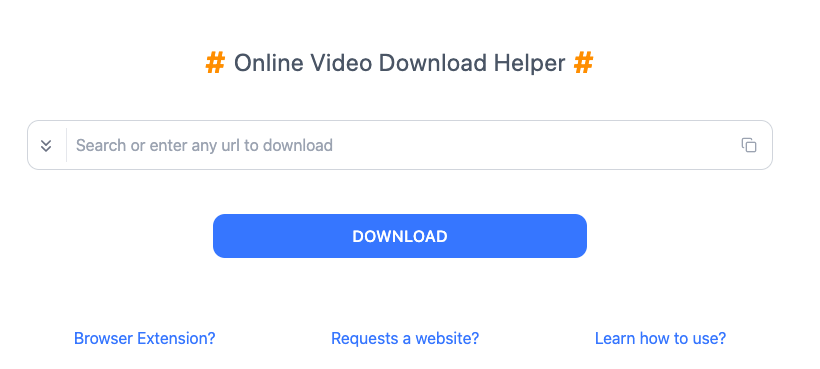
9xbuddy is a browser-based video download helper that supports multiple popular websites. Its official site describes the service as a free tool where users can enter or search for a URL and then select a downloadable result.
YouTube is among the platforms associated with the web service, although its separate mobile application currently states that YouTube downloading is not supported in accordance with Google Play policies.
That distinction matters. The website and mobile application should not automatically be treated as having identical functions.
The service is supported by advertising, so users should pay attention to the actual download button rather than every button or pop-up appearing on the page.
5. YT1s
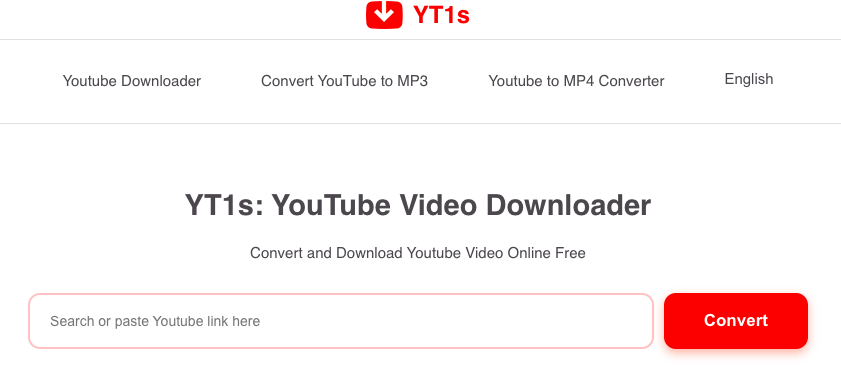
YT1s is another familiar name in the online YouTube downloader space. Its appeal comes from the standard paste-and-download approach, which requires no dedicated desktop program.
The service has traditionally focused on converting YouTube links into downloadable video or audio files. That makes it useful for occasional downloads where installing software would be unnecessary.
As with other free downloader sites, availability, supported resolutions and domain addresses can change. A current working page should be checked before publishing or linking to a particular YT1s domain.
6. X2Download
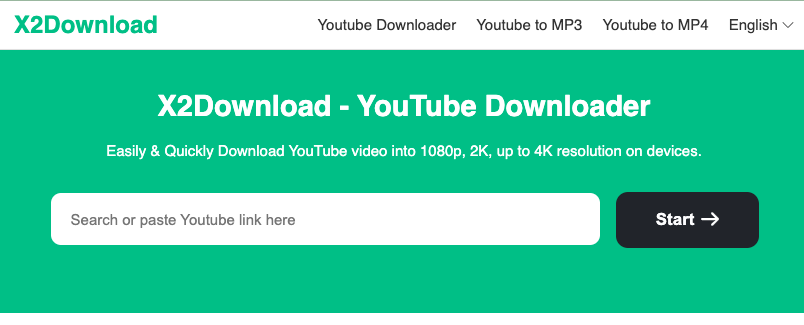
X2Download is an online downloader designed around direct URL processing. The general workflow is similar to other services on this list: copy the YouTube address, paste it into the input field, process the link and select an available file.
Its biggest advantage is convenience. Everything happens in the browser, making the service suitable for users who do not want another application taking up storage space.
X2Download and similar sites can sometimes present several format or quality choices. The original video’s available quality still determines what can actually be produced. A downloader cannot create genuine 4K detail from a video that was uploaded at a much lower resolution.
7. Loader.to
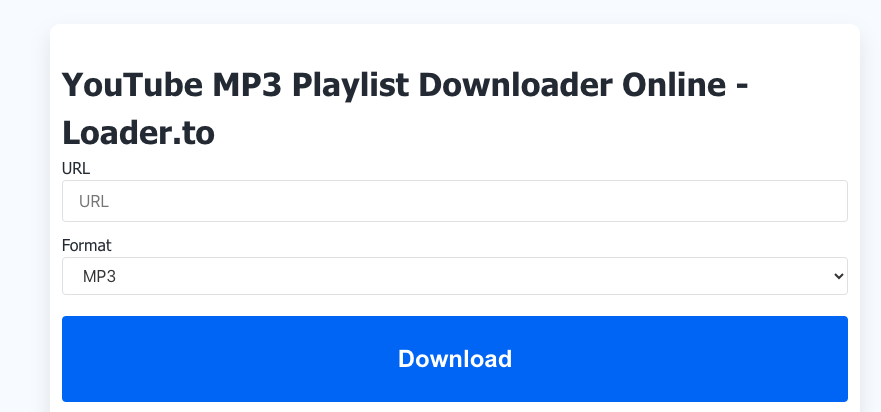
Loader.to takes a broader approach than a basic YouTube-to-MP4 page. The service has been known for handling video and audio extraction through a web interface, with format and quality choices depending on the source.
Its browser-based design makes it useful for people working across different computers. There is no need to install the same downloader on every machine.
For longer videos and playlists, processing time can vary. Browser downloaders also depend on their own servers, so results may not always be as quick as expected during periods of heavy demand.
8. Cobalt Tools
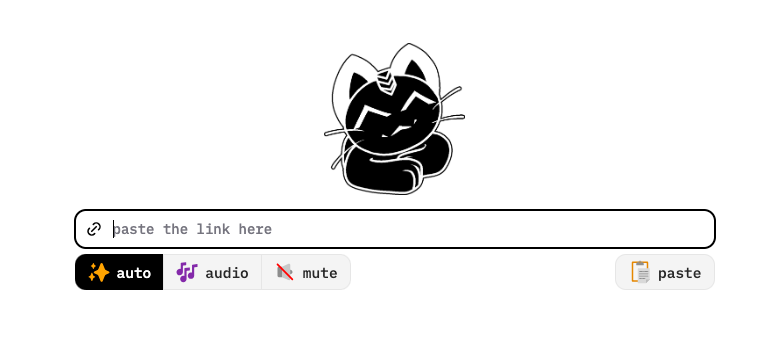
Cobalt stands apart from many commercial downloader pages because it is an open-source project rather than simply another advertising-heavy conversion website. The project’s documentation describes it as a media downloader that works by processing a supplied link and returning the media without advertisements, trackers or paywalls.
Its philosophy is refreshingly simple: paste a supported URL, obtain the available media and move on.
Cobalt also makes its source code available, which gives technically minded users more visibility into how the service is built. Its project documentation stresses that users remain responsible for the content they download and how it is used.
One point of confusion deserves attention: YouTube’s “Cobalt” name also refers to a completely different technology used inside YouTube and YouTube TV applications. The downloader discussed here is the independent Cobalt media-downloading project.
9. SaveTube
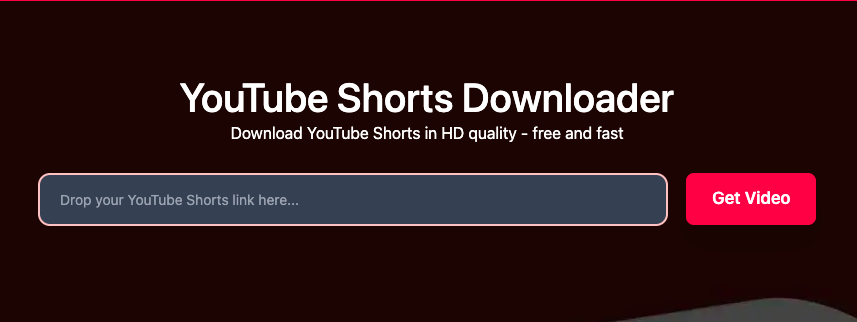
SaveTube is another browser-based option built around the familiar paste-link model. Its current web page presents a YouTube downloader that accepts a video URL and provides multiple quality options.
The service promotes support for desktop and mobile devices, making it accessible without installing a dedicated application. The interface is aimed at users who want to get from a YouTube link to a downloadable file with minimal steps.
As with other services using generic downloader names, checking the exact website address is worthwhile. Several unrelated projects have used the SaveTube name over the years, including older open-source software projects.
10. KeepVid
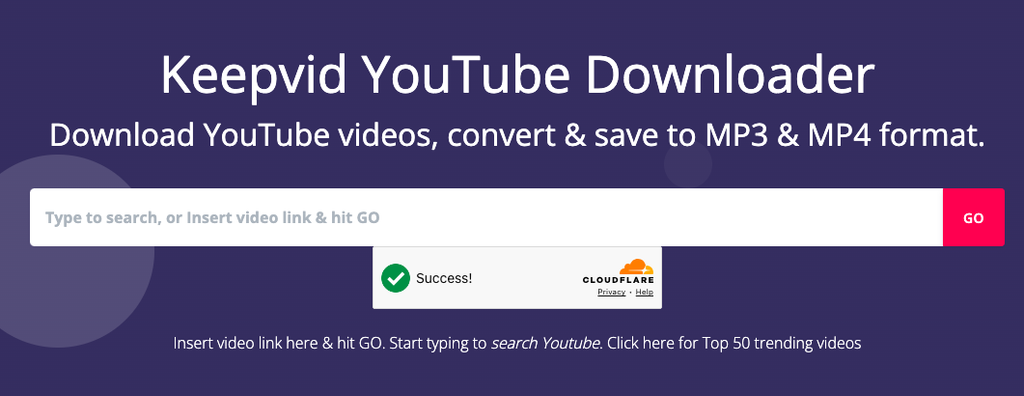
KeepVid is a long-established name associated with online video downloading. The brand has historically provided tools for saving online videos from several platforms, although its services and web domains have changed over the years.
That history makes KeepVid worth mentioning, but it also calls for a little caution. Search results can surface different websites using the KeepVid name, and not every similarly branded domain should automatically be treated as the original service.
For any online downloader, the same basic rule applies: avoid entering account passwords, payment details or unnecessary personal information into a free conversion page.
What Makes a Good Free YouTube Downloader?
A downloader does not need dozens of buttons to be useful. The practical checks are fairly simple:
- No unnecessary registration: A basic URL converter should not need a social-media password.
- Clear download options: The actual file button should be easy to distinguish from advertisements.
- Quality choices: Useful services show the resolutions genuinely available from the source.
- Audio options: Some tools offer audio-only formats where permitted.
- Mobile support: A browser-based service should work properly on smaller screens.
- HTTPS: The website should use a secure connection.
- Clear domain: Avoid suspicious clones and misleading redirects.
- Reasonable privacy: Avoid services demanding unnecessary personal details.
One further point matters. A downloader may advertise 1080p or 4K, but that does not mean every video can be downloaded at those resolutions. The original upload determines the source quality.
Are YouTube Downloaders Legal?
The legality depends on the video, the intended use and the applicable copyright rules. YouTube’s own documentation distinguishes between official offline viewing and obtaining unrestricted video files.
It states that videos uploaded by other users generally cannot be downloaded unless YouTube provides the relevant download function or permission exists.
Creators downloading their own material are in a different position. YouTube provides options for creators to obtain copies of their own uploaded videos.
For third-party material, checking the licence is the sensible step. Creative Commons content, public-domain material and videos where the creator has explicitly permitted downloading can have different terms from ordinary copyrighted uploads.
Conclusion:
These were the Top 10 free YouTube Video Downloaders. Now, sit back and relax and watch whatever you want, anytime you want, offline. We know how important entertainment is in this busy life!
Also Read: