Removing a third-party antivirus from Windows often feels straightforward – until residual background services, hidden registry entries, or browser add-ons stay behind and trigger system glitches. That exact issue happened on my machine.
When I tried to remove an outdated security program, the built-in Windows tool only deleted the primary application while leaving active background processes running.
That is where IObit Uninstaller stepped in. By leveraging this dedicated utility, I wiped out the stubborn antivirus without leaving a single trace. Read on to discover how this software delivers a thorough system cleanup.
Part 1: Common Reasons to Uninstall Antivirus Software
My security suite performed well initially, but as my daily needs evolved, keeping it no longer made sense. While my decision stemmed from changing requirements, users typically remove antivirus tools due to a few common triggers:
- Upgrading to a Different Security Solution: Transitioning to a new security tool often fails if the installer detects leftover components from the previous program, which can block the setup process entirely.
- System & Software Conflicts: Running multiple real-time protection shields causes severe software compatibility issues, leading to system crashes, freeze-ups, and app installation errors.
- Noticeable PC Lag: Continuous background scanning and heavy resource usage can significantly degrade system performance, causing noticeable delays when opening applications or booting up Windows.
Part 2: Overview of IObit Uninstaller
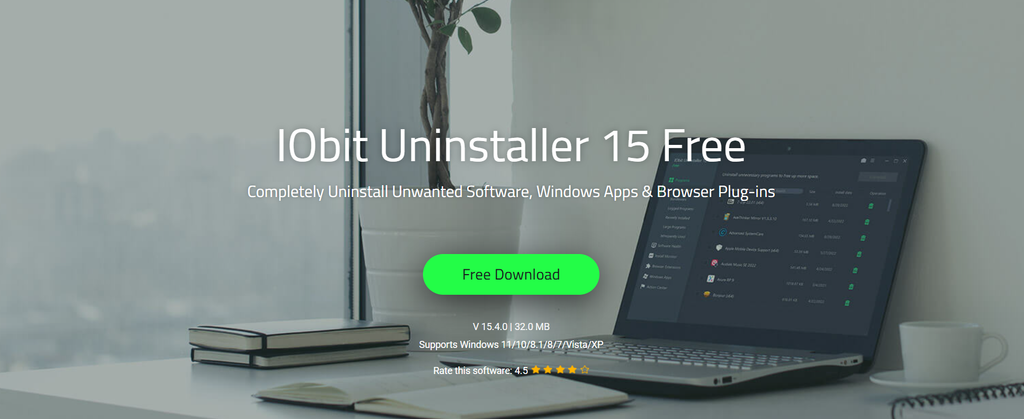
Standard uninstall methods often fall short when dealing with deeply integrated security software. I turned to IObit Uninstaller because it is specifically designed to purge stubborn applications alongside their lingering data—including leftover folders, system logs, registry entries, and startup tasks.
Unlike native OS tools, IObit Uninstaller triggers an automatic Powerful Clean scan right after the standard uninstall process finishes. It locates and wipes out every hidden trace with a single click, making complex system maintenance simple and efficient.
Part 3: Top Features of IObit Uninstaller
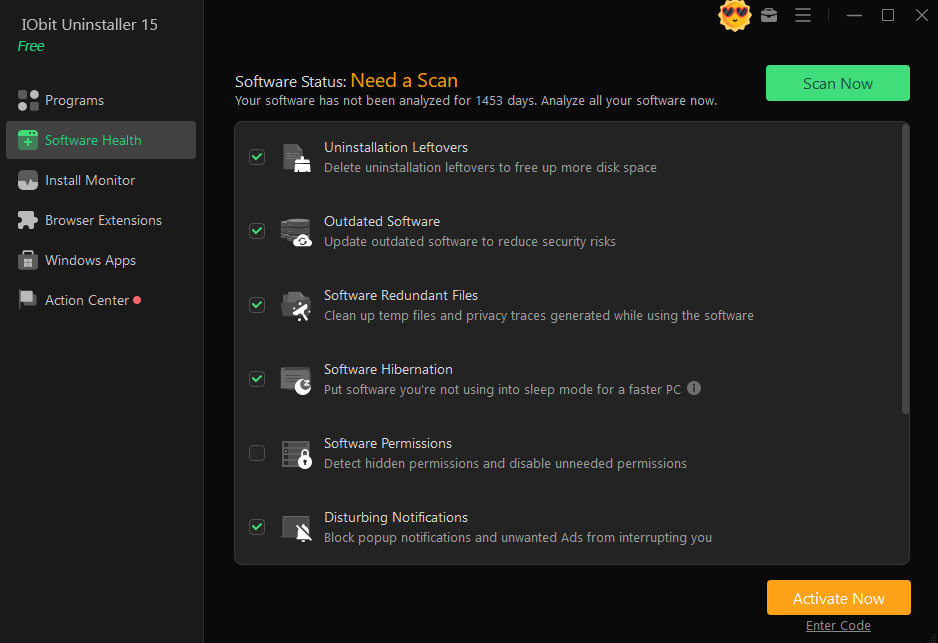
IObit Uninstaller stands out because of its robust feature set tailored for complete system hygiene:
- Advanced Software Uninstaller: Effortlessly removes persistent programs, bundleware, and security software that resist standard Windows uninstallation.
- Deep Clean & Leftover Removal: Automatically scans drive sectors and the system registry post-uninstallation to delete leftover cache files, registry keys, shortcuts, and background services.
- Force Uninstall: Designed to erase corrupted applications or software missing an uninstaller executable by force-deleting all linked files and system entries.
- Batch Uninstall Mode: Allows users to select multiple unwanted programs simultaneously and uninstall them in a single batch operation.
- Clean, User-Friendly Interface: Features an intuitive design that organizes installed applications into clear categories, allowing non-technical users to navigate and clean their systems effortlessly.
Part 4: How I Completely Removed Stubborn Antivirus Software
As a dedicated uninstaller for Windows, IObit Uninstaller offers an easy-to-use interface, allowing users to remove stubborn antivirus software with a single click. Here is how to do it:
- First, I downloaded the latest version of the program from its official site. I was surprised to see that the software offers a free version with all the advanced features. After downloading the program, I launched it and selected the “Program” option available on the left panel.
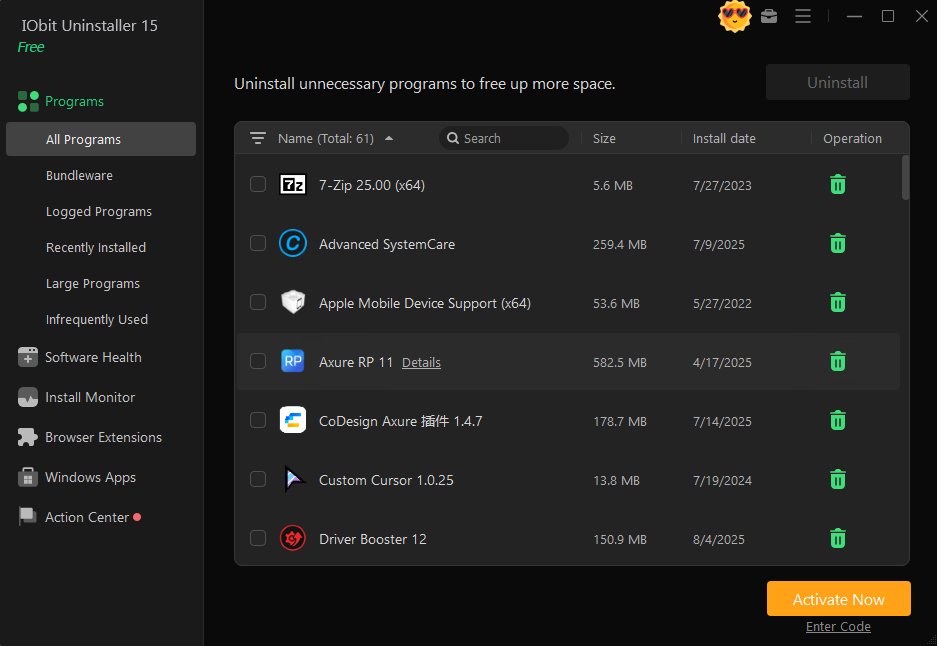
- A list of installed programs on your PC will appear on your screen, along with details like program name, installation date, file size, and more. Locate the antivirus software you want to remove from your PC and click on the “Uninstall” button available at the top.
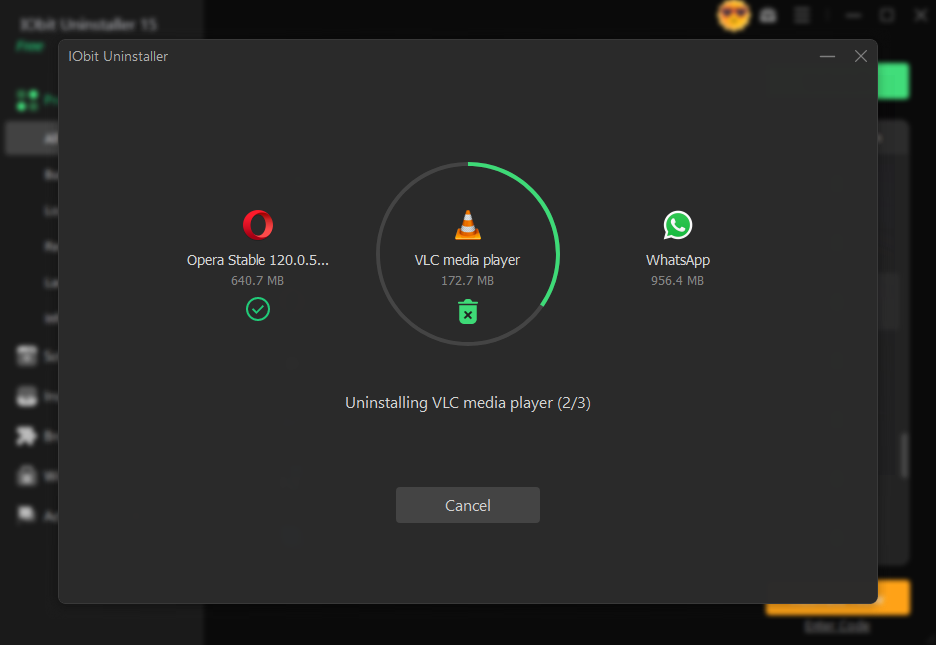
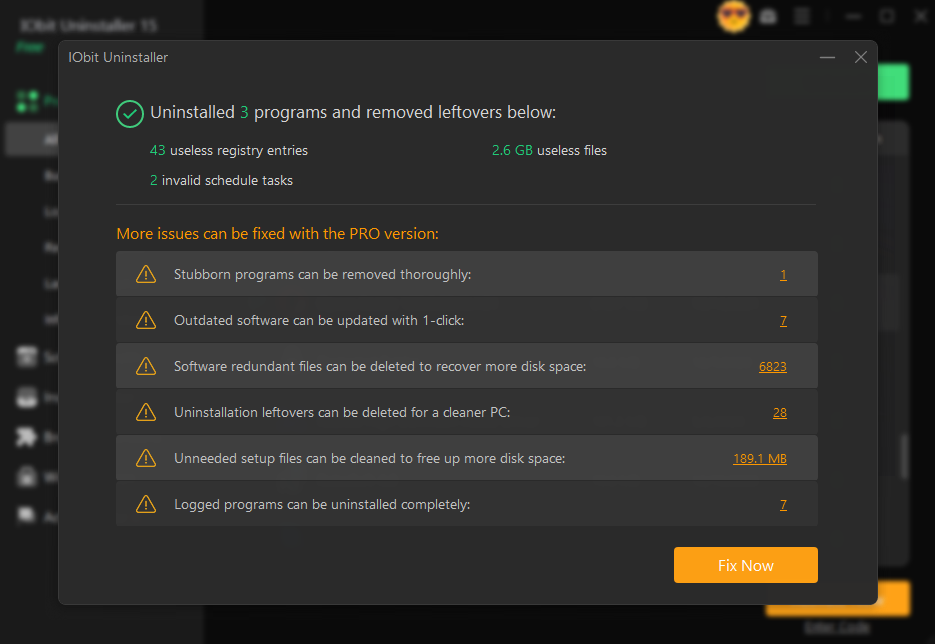
- Now, IObit Uninstaller will begin the software uninstallation process. Within seconds, the selected antivirus will be completely removed from your PC, including leftover files, shortcuts, and registry traces.
Final Thoughts
IObit Uninstaller proved to be the most reliable solution for completely wiping out stubborn antivirus applications without leaving orphan files behind.
Instead of manually digging through hidden directories, system registries, or startup configurations, the utility handled the entire cleanup process through a streamlined interface.
Also Read: